3D Wooden Desk Organizer Design
Clutter is the silent killer of productivity. Whether you are a freelancer managing multiple client deadlines, a student juggling assignments, or an entrepreneur running a small business from a home office, a chaotic workspace can lead to mental fatigue and lost time. We often look for physical solutions to buy, but sometimes the most satisfying and customizable option is to build it yourself. This is where a 3D Wooden Desk Organizer comes into play. However, before you reach for your wallet expecting a shipped box of plywood, it is crucial to understand exactly what you are acquiring.
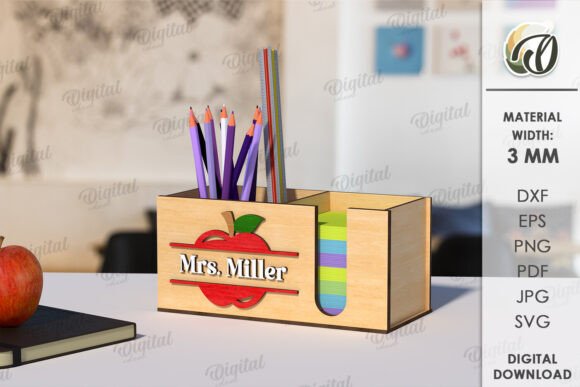
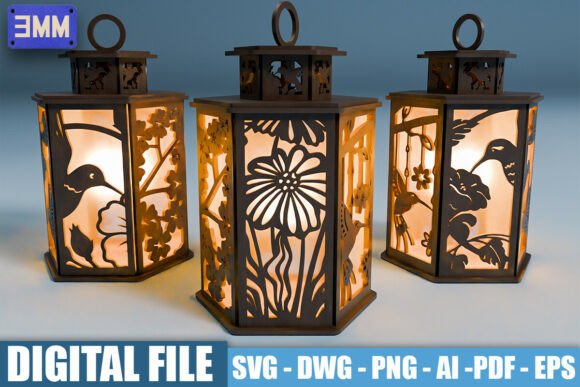
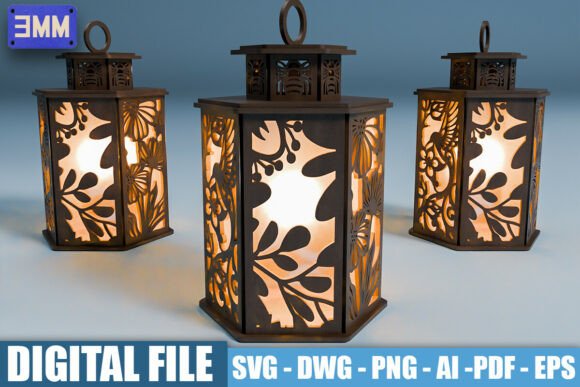
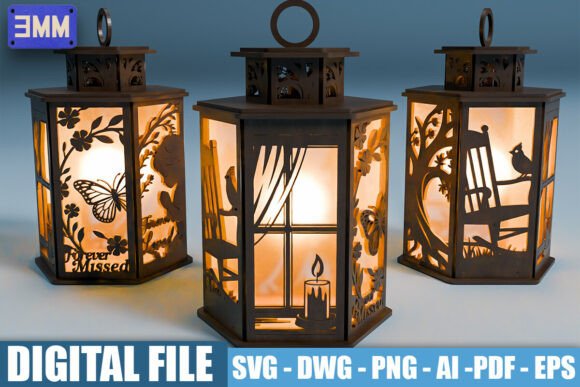
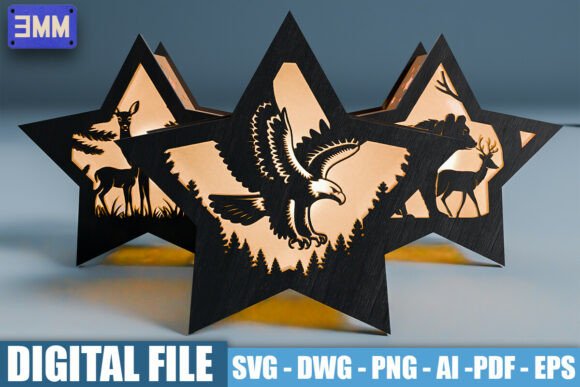
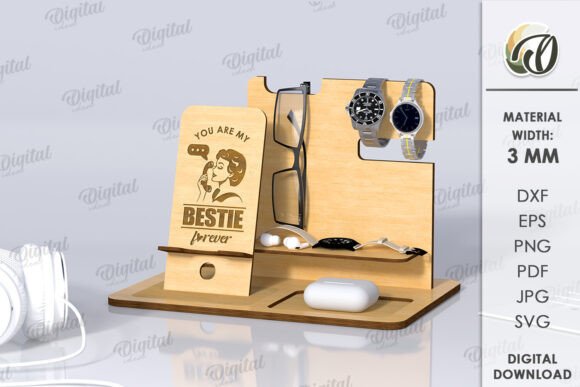
This listing is for a digital product. No physical goods will be sent to your address. The photos displayed are intended only for inspiration, showcasing what is possible when you bring this design to life. Upon purchase, you will receive a zip folder containing one comprehensive design in SVG, DXF, EPS, PDF, JPEG, and PNG file formats. This digital approach offers unparalleled flexibility, allowing you to create an original design tailored specifically to your home or office needs using your own materials and tools.
Why Choose a Digital Design Over a Pre-Made Item?
You might wonder why you should download files instead of buying a finished organizer from a big-box store. The answer lies in customization and quality control. Mass-produced organizers are built to fit "average" items, which rarely matches the specific dimensions of your favorite pens, notebooks, or tech gadgets. With a 3D Wooden Desk Organizer digital file, you hold the blueprint.
By owning the source files, you can scale the design up or down to fit your specific desk space. You choose the wood type—whether it is sturdy oak for a professional look or lightweight pine for a rustic vibe. You also decide the finish, from natural oil stains to bold paints that match your brand colors. The possibilities of creation are endless, turning a simple organizational tool into a piece of functional art that reflects your personal style.
Understanding the File Formats Included
For those new to digital crafting, the variety of file types included in your zip folder might seem overwhelming. Here is a simple breakdown of how each format serves a different purpose in your creation process:
- SVG (Scalable Vector Graphics): This is the gold standard for cutting machines like Cricut or Silhouette. It allows for clean, precise cuts without pixelation, ensuring smooth edges on your wooden pieces.
- DXF (Drawing Exchange Format): Ideal for users with older software or specific laser cutters that prefer CAD-based inputs. It ensures compatibility across a wide range of professional equipment.
- EPS (Encapsulated PostScript): A versatile vector format widely used by graphic designers. If you plan to modify the design in Adobe Illustrator or CorelDRAW before cutting, this is your go-to file.
- PDF (Portable Document Format): Perfect for manual builders. You can print the PDF at 100% scale to use as a physical template for hand-cutting or tracing onto wood.
- JPEG and PNG: These raster images are great for visual reference. Use them to preview the assembly steps or share your progress on social media before the final product is complete.
Practical Uses for Your New Organizer
The utility of a 3D Wooden Desk Organizer extends far beyond holding pencils. Its modular nature makes it adaptable to various environments. For educators, it can hold markers, sticky notes, and grading stamps, keeping the teacher’s desk tidy and efficient. For artists and hobbyists, it provides dedicated slots for brushes, palettes, and sketchpads, ensuring that creative flow is never interrupted by searching for tools.
In a corporate setting, a well-crafted wooden organizer signals professionalism. It keeps business cards, USB drives, and notepads within arm's reach during meetings. For small business owners who ship products, creating these organizers can even become a side hustle. Since you have the digital rights to create physical items from this design, you can produce them for sale at local craft fairs or online marketplaces, offering custom-engraved versions for clients.
Getting Started: Tips for Beginners
If you are new to working with digital cut files, start by reading the instructions included in your download. Ensure your cutting machine is calibrated correctly for the thickness of your chosen wood. Plywood and basswood are excellent starting points because they are soft enough to cut easily but strong enough to hold structure.
Remember, sanding is your friend. After cutting, lightly sand the edges to remove any char marks from laser cutters or roughness from blade cuts. This step not only improves the aesthetic but also prevents splinters, making the organizer safe for daily handling. Assembly usually involves interlocking tabs, so dry-fit the pieces first before applying wood glue to ensure a snug fit.
Important Considerations Before You Begin
While the process is rewarding, there are practical things to consider. First, verify that your equipment supports the file formats provided. Most modern hobbyist cutters handle SVGs effortlessly, but industrial laser cutters may require DXF adjustments. Second, consider the size of your material sheets. If you are using standard 12x12 inch craft wood, check the dimensions in the PDF to ensure the design fits without excessive waste.
Also, keep in mind that wood is a natural material that expands and contracts with humidity. If you live in an area with extreme weather changes, consider sealing the wood with a polyurethane coat to protect it from warping over time. This ensures your 3D Wooden Desk Organizer remains a staple on your desk for years to come.
Thank you for visiting my store. I am committed to providing high-quality digital assets that empower your creativity. If you have a question about file compatibility or assembly tips, please write me a message. I am happy to help you navigate the process. Happy shopping, and enjoy the satisfaction of building something truly yours.