Creating Depth and Emotion: A Complete Guide to the 3D Heart Shadow Box SVG Cut File
In the evolving world of digital crafting, few projects capture the imagination quite like the 3D Heart Shadow Box. This intricate layered design has become a staple for crafters who wish to blend technical precision with heartfelt emotion. Whether you are a beginner with a new cutting machine or an experienced designer looking for your next challenge, understanding how to utilize a high-quality SVG cut file can transform simple materials into stunning works of art. This guide explores the purpose, significance, and practical application of this popular design, helping you create a piece that adds depth and elegance to any space.
Understanding the Concept of Layered Paper Art
Before diving into the technical aspects, it is essential to understand what makes a shadow box unique. Unlike traditional flat paper crafts, a 3D shadow box relies on depth and perspective. By stacking multiple layers of material—typically cardstock or acrylic—crafters create a sense of distance and dimension. The "heart" theme is particularly powerful because it serves as a universal symbol of love, making it ideal for expressing affection in a tangible way.
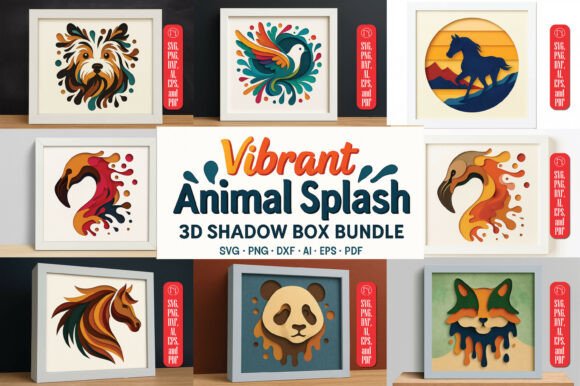
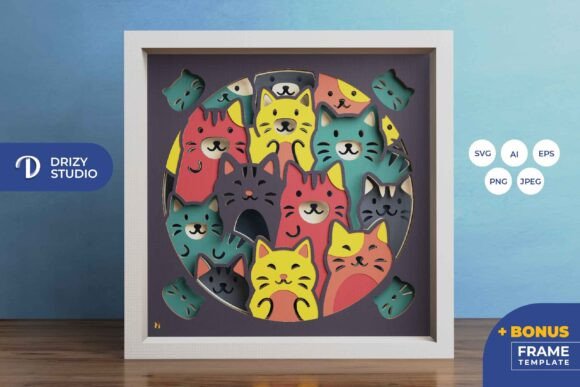
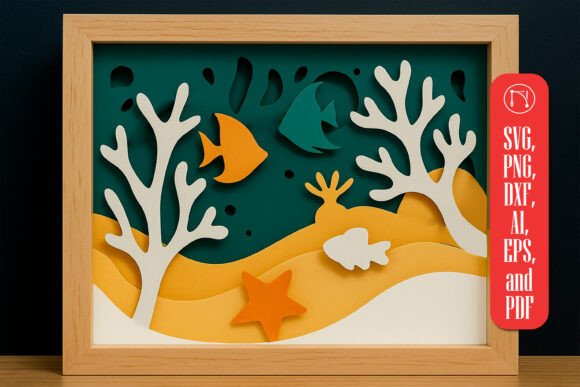
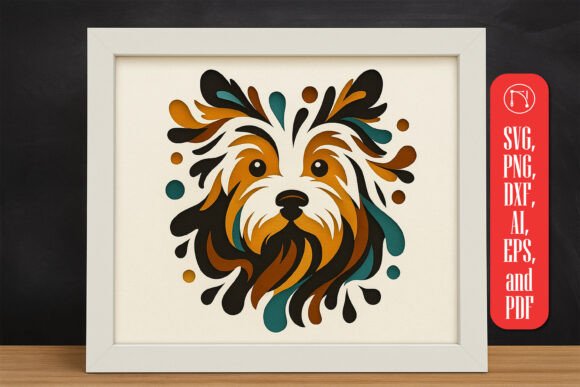
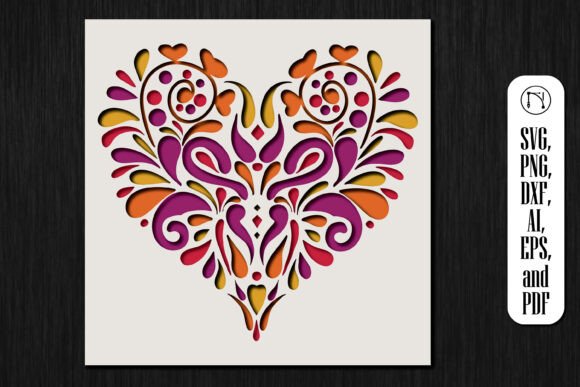
The 3D Heart Shadow Box SVG Cut File is designed specifically to facilitate this process. It provides pre-calculated layers that, when assembled correctly, produce a mesmerizing visual effect. This is not merely about cutting shapes; it is about architectural planning on a miniature scale. Each layer acts as a frame for the one behind it, guiding the viewer’s eye toward the center of the composition. For those interested in modern home decor, this technique offers a professional and polished result that rivals store-bought art, but with a personal touch that mass-produced items lack.
Why Choose a Digital Cut File?
In the past, creating such intricate designs required hours of manual drawing and cutting. Today, digital files have revolutionized this workflow. An SVG (Scalable Vector Graphics) file ensures that your design remains crisp and clear regardless of the size you choose to print or cut. This scalability is crucial for crafters who may want to create a small gift for a Valentine’s Day card or a large centerpiece for a wedding reception.
Furthermore, using a pre-designed bundle that includes formats like PNG, DXF, AI, EPS, and PDF ensures versatility. Whether you use a Cricut, Silhouette, or a laser-cutting machine, these formats guarantee compatibility with various design software. This accessibility allows creators to focus on assembly and customization rather than struggling with complex vector mathematics.
Practical Applications and Occasions
The beauty of the 3D Heart Shadow Box lies in its adaptability. While it is naturally associated with romantic gestures, its application extends far beyond a single holiday. Understanding where and how to use this design can help you maximize its impact.
- Valentine’s Day: This is the most obvious choice. A red and pink layered heart box serves as a timeless gift that expresses deep affection.
- Anniversaries and Weddings: By changing the color palette to gold, white, or silver, the same design can commemorate a milestone marriage or serve as elegant table decor.
- Home Decor: Neutral tones can transform this project into a sophisticated piece of wall art that fits seamlessly into modern living rooms or bedrooms.
- Memorial Gifts: Soft blues or whites can be used to create a gentle, respectful tribute for remembrance.
Each occasion demands a different approach to color and material selection. For instance, using textured cardstock can add an extra layer of sophistication, while incorporating LED lights behind the final layer can create a glowing effect that enhances the 3D illusion.
Step-by-Step Assembly Guide
Creating your shadow box is a rewarding process that combines patience with creativity. Here is a logical flow to ensure a professional result:
- Prepare Your Materials: Gather your chosen cardstock, adhesive foam squares, and a clean cutting mat. Ensure your cutting machine is calibrated for the thickness of your material.
- Cut the Layers: Load your SVG file into your software. If you are using a Cricut or Silhouette, ensure you select the correct material setting. Cut each layer carefully, noting which number corresponds to which depth in the stack.
- Weed the Excess: Remove the negative space from each cut layer. This step requires precision, especially for the intricate inner details of the heart design.
- Layering Process: Start with the backmost layer. Apply foam adhesive squares to the back of the next layer and press it firmly onto the previous one. Repeat this process, moving from back to front.
- Final Assembly: Once all layers are stacked, place the completed paper art into a deep-frame shadow box. Secure it in place and close the frame.
It is important to note that patience is key. Rushing the alignment of layers can result in a skewed appearance. Taking the time to ensure each layer is centered will significantly enhance the final aesthetic.
Common Misunderstandings in Digital Crafting
Many beginners assume that buying a cut file guarantees a perfect outcome without effort. This is a common misconception. While the 3D Heart Shadow Box SVG Cut File provides the blueprint, the quality of the final product depends heavily on the crafter’s execution. Factors such as blade sharpness, material quality, and adhesive choice play critical roles.
Another misunderstanding is that these projects are only for experts. In reality, the layered nature of the design actually helps hide minor imperfections. If one layer is slightly off-center, the depth of the box often masks the error, making this an excellent project for those still building their confidence.
The Role of Technology in Modern Creativity
The availability of comprehensive bundles including AI, EPS, and DXF formats highlights the intersection of technology and art. These files are not just for hobbyists; they are used by small business owners who sell handmade goods on platforms like Etsy. By leveraging these digital assets, entrepreneurs can scale their production while maintaining high quality.
Moreover, the ease of assembly means that this craft is accessible to educational settings. Teachers can use shadow box projects to teach students about geometry, spatial reasoning, and color theory. It bridges the gap between digital design and physical creation, offering a hands-on learning experience that is both engaging and informative.
Conclusion
The 3D Heart Shadow Box is more than just a craft project; it is a medium for expression. Whether you are creating a gift for a loved one or enhancing your own living space, this design offers a perfect blend of elegance and emotional resonance. By utilizing a high-quality SVG cut file, you ensure that your project starts with a strong foundation, allowing your creativity to shine through in the details.
As you embark on this crafting journey, remember that the value lies not just in the final product, but in the process of creation. With the right tools, a bit of patience, and a versatile cut file, you can produce a masterpiece that stands the test of time. Let your creativity flow, and enjoy the satisfaction of building something beautiful with your own hands.
For more inspiration and detailed tutorials on using your cut files, consider exploring online crafting communities where enthusiasts share tips and variations on this classic design. Happy crafting!